de | fr | en | 中文 | 日本語 | es
ResumeContact Me

Hi, I’m Stoney, a driven creative and visual storyteller

Explore the configurator.

Configurator in progress · Explore paint colors and camera views.

Configurator at a glance

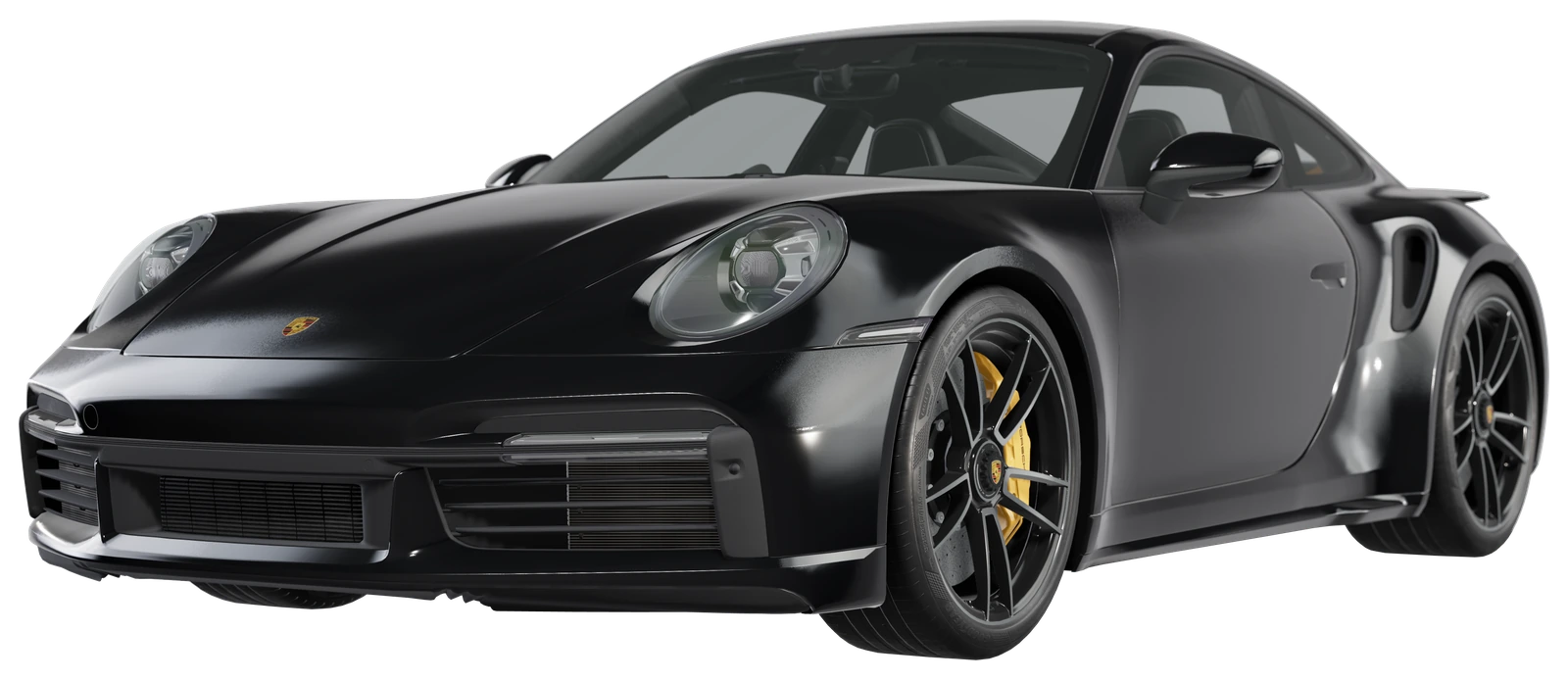
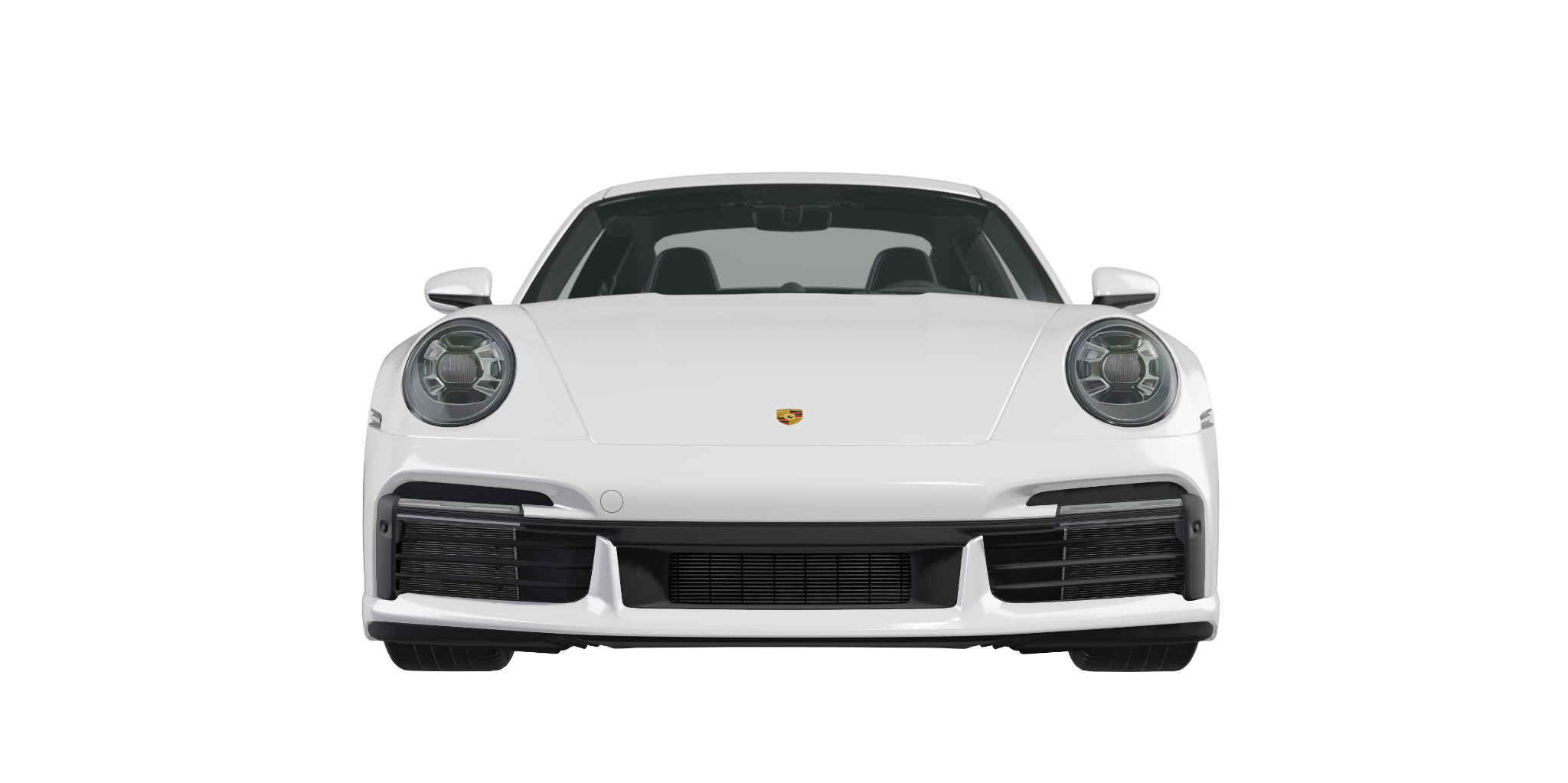
I built an interactive, real-time showroom for the Porsche 911 Turbo S.

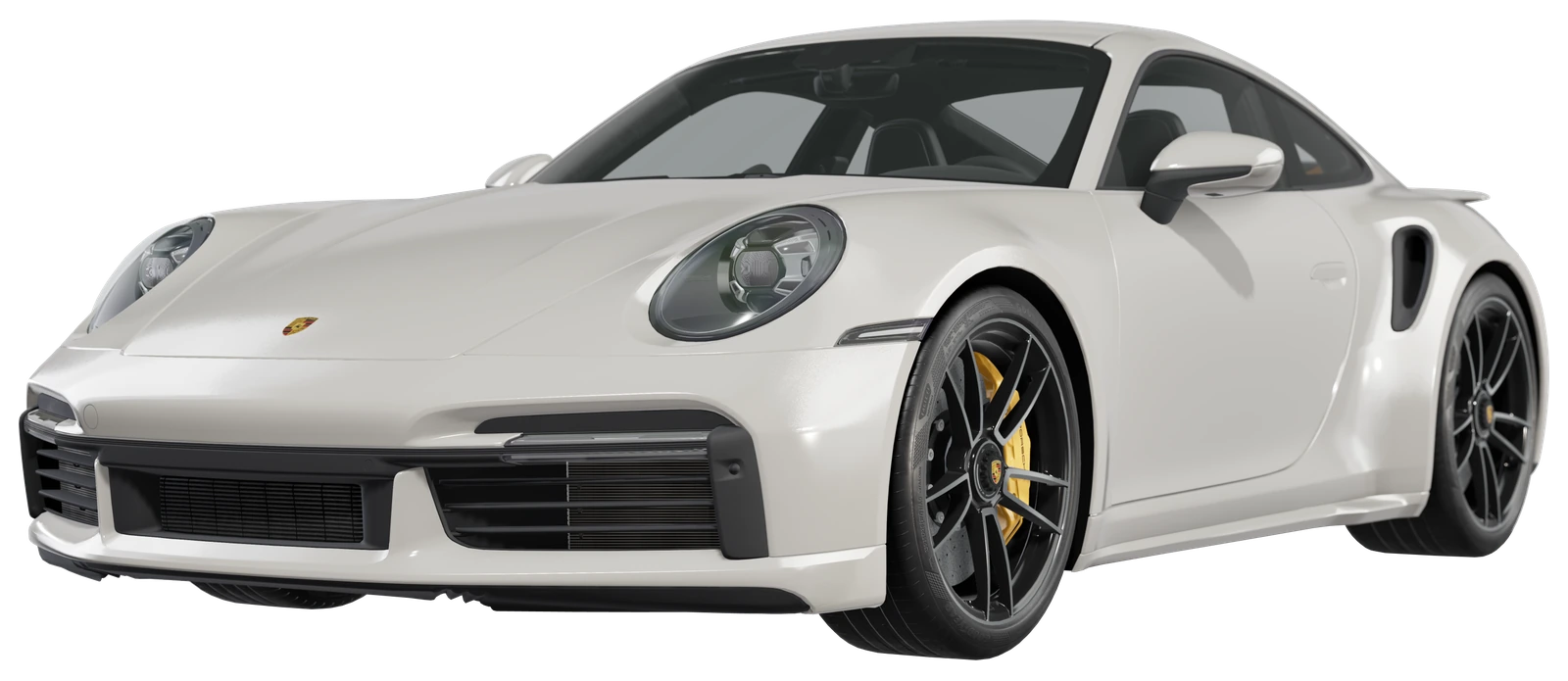
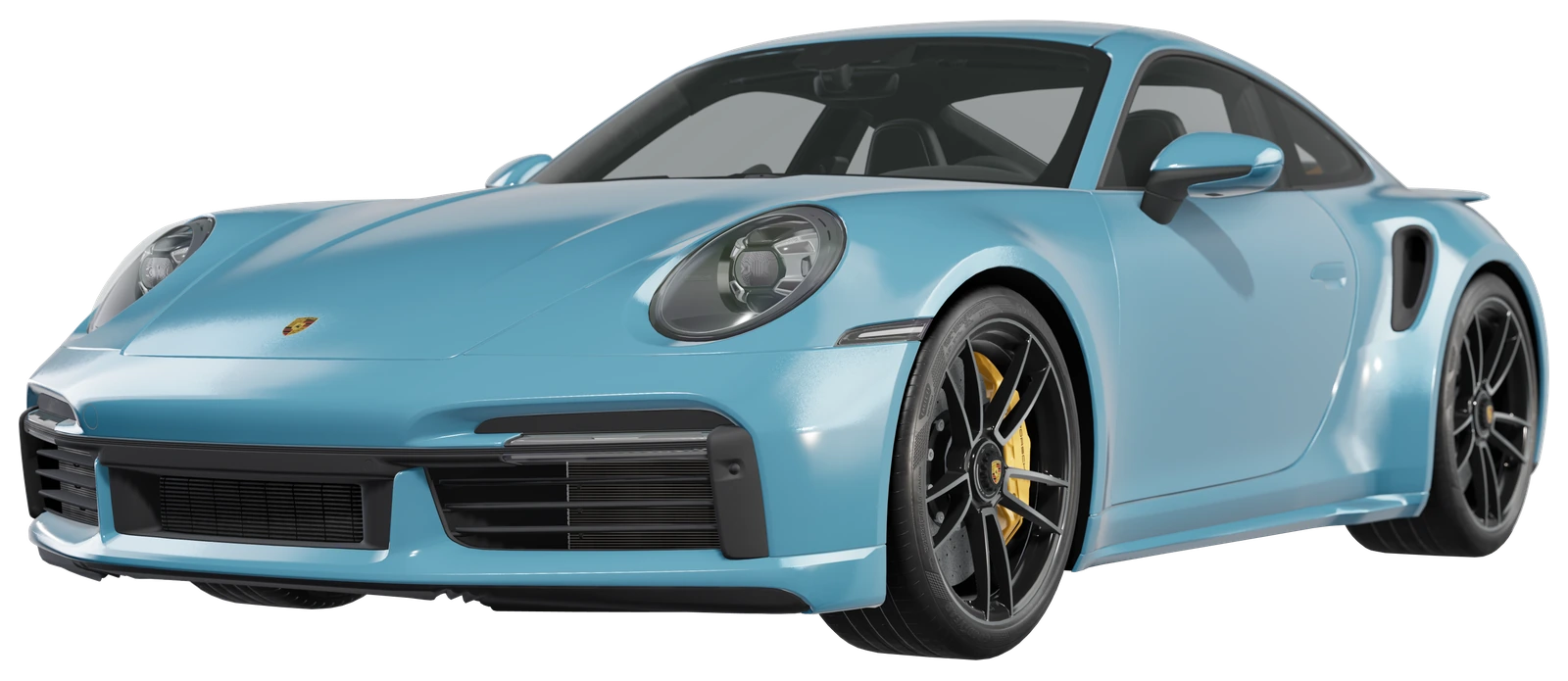
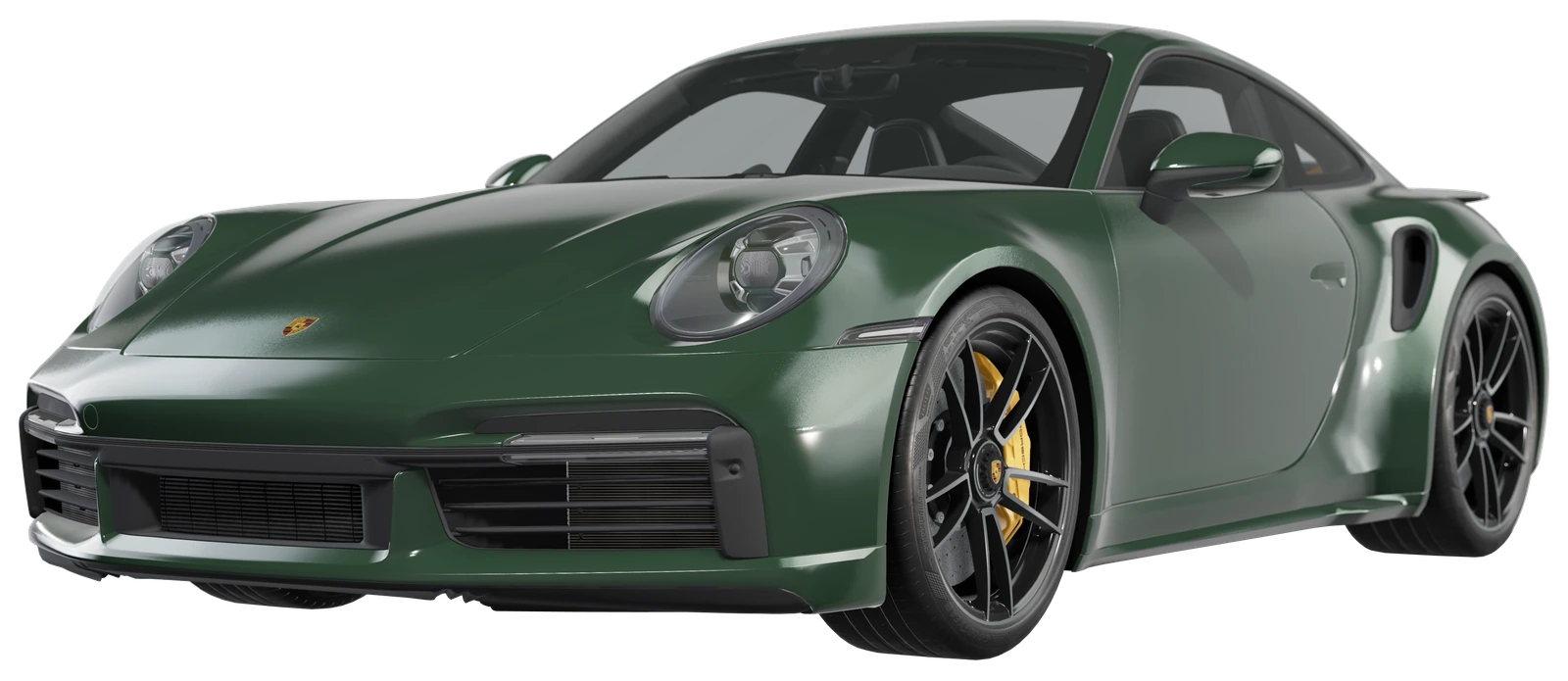
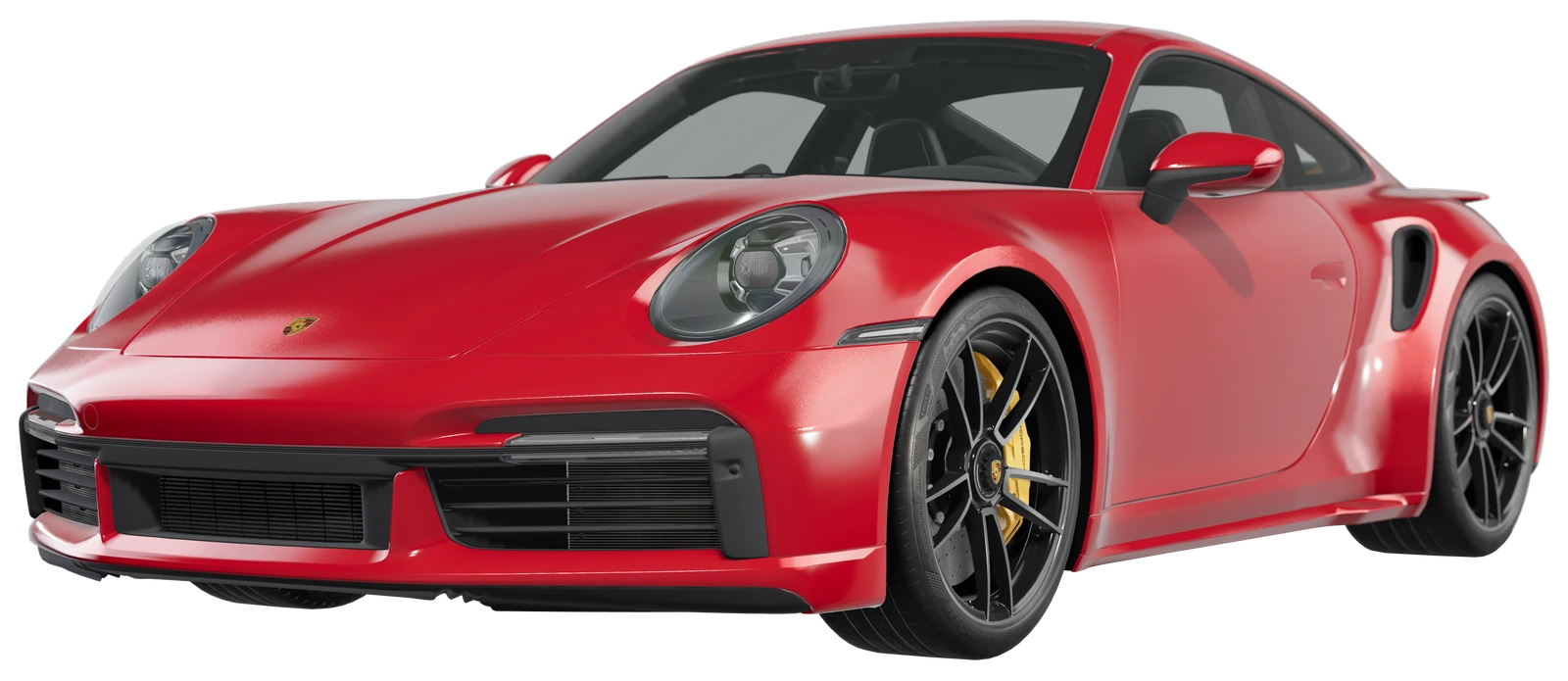
Visitors can switch paint colors and explore preset exterior and interior views.

I tuned the materials, lighting, and reflections to show how each finish reads from different angles.
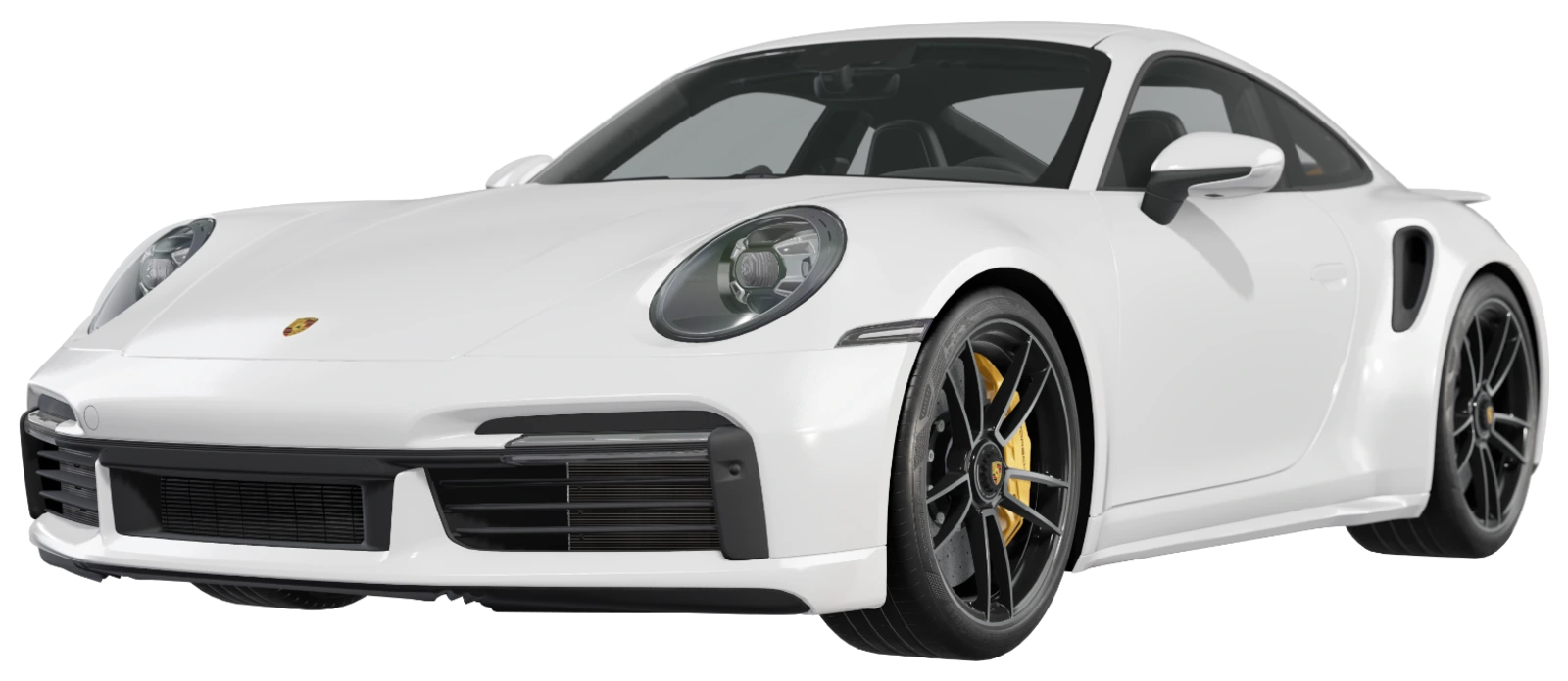
Project overview

Porsche 911 Turbo S

The 911 Turbo S study

A personal project in real-time automotive visualization.

My role

I modified a purchased base model and built the experience myself.

Start with Dynamic

Try a paint color in the Dynamic environment.

Look closer

Move between the exterior and cabin at your own pace.

Why the 911

I wanted to share what draws me to Porsche’s design.

Still in development

I’m continuing to refine this personal study.

Porsche 911 Turbo S — White

How I built the configurator

As a car enthusiast, I’ve always admired Porsche’s design. I built this configurator to give someone considering a 911 Turbo S a chance to see its details up close and get a feel for the car they’d choose.

Maya to the browser
I purchased the base vehicle model online and modified its geometry in Maya to suit the project. From those modifications onward, I handled the work myself, including the OpenUSD-to-GLB conversion and the real-time configurator in Three.js. I used AI-assisted development to build custom tools for repetitive asset preparation and material organization.
Materials and shaders
I tuned paint color, roughness, and clearcoat, and kept the reflection lighting neutral so the Dynamic backdrop wouldn’t tint the paint reflections. I also developed glass, chrome, rubber, carbon-ceramic brakes, leather, and fabric, then checked how they read at different distances.
Designing the Dynamic environment
I used soft lighting and composed the scene around the car’s shape. In the Dynamic environment, the backdrop and floor change with the paint, so the whole scene brings out the character of that finish. I combined HDR environments, direct lighting, shadows, and local reflections to define the bodywork and keep the darker cabin surfaces readable.
Exploring the car
I built paint switching, animated camera presets, and interactive doors so viewers can inspect the exterior and cabin from different angles. I used AI-assisted coding to implement and refine the interface and its controls.
Start with the Dynamic environment, then try any paint or camera view to see how the car and scene work together.

Mazda RX-7 FD

Comparison

Front three-quarter view
Original
Front three-quarter view
AI Assisted
View 1 / 5

Behind the RX-7 short

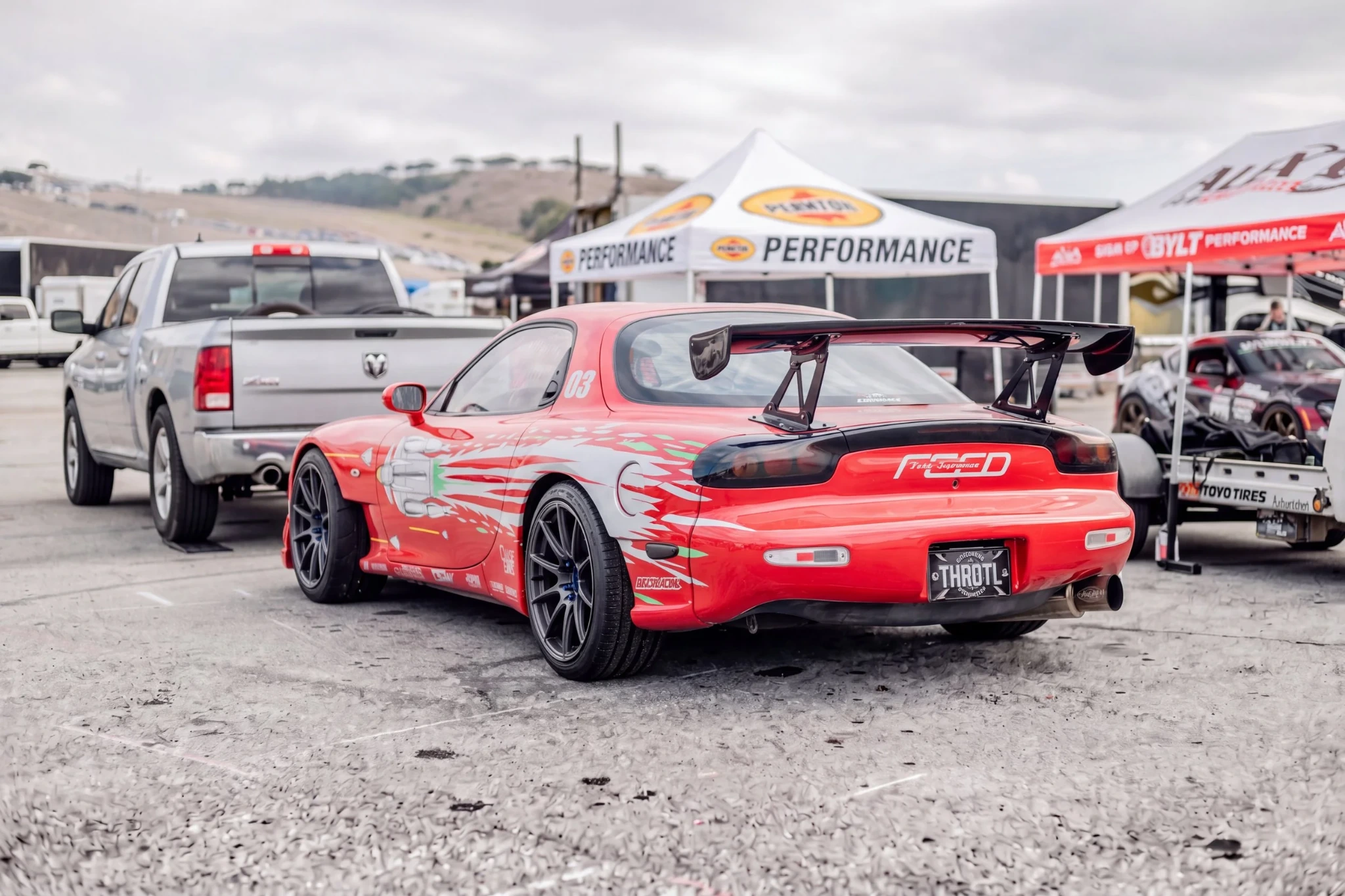
Why this carThis short is one of my favorite personal projects.

I love the RX-7. With Adobe Firefly, Google Gemini, and ChatGPT, I could fill in the gaps between what I photographed and the short I had in mind.

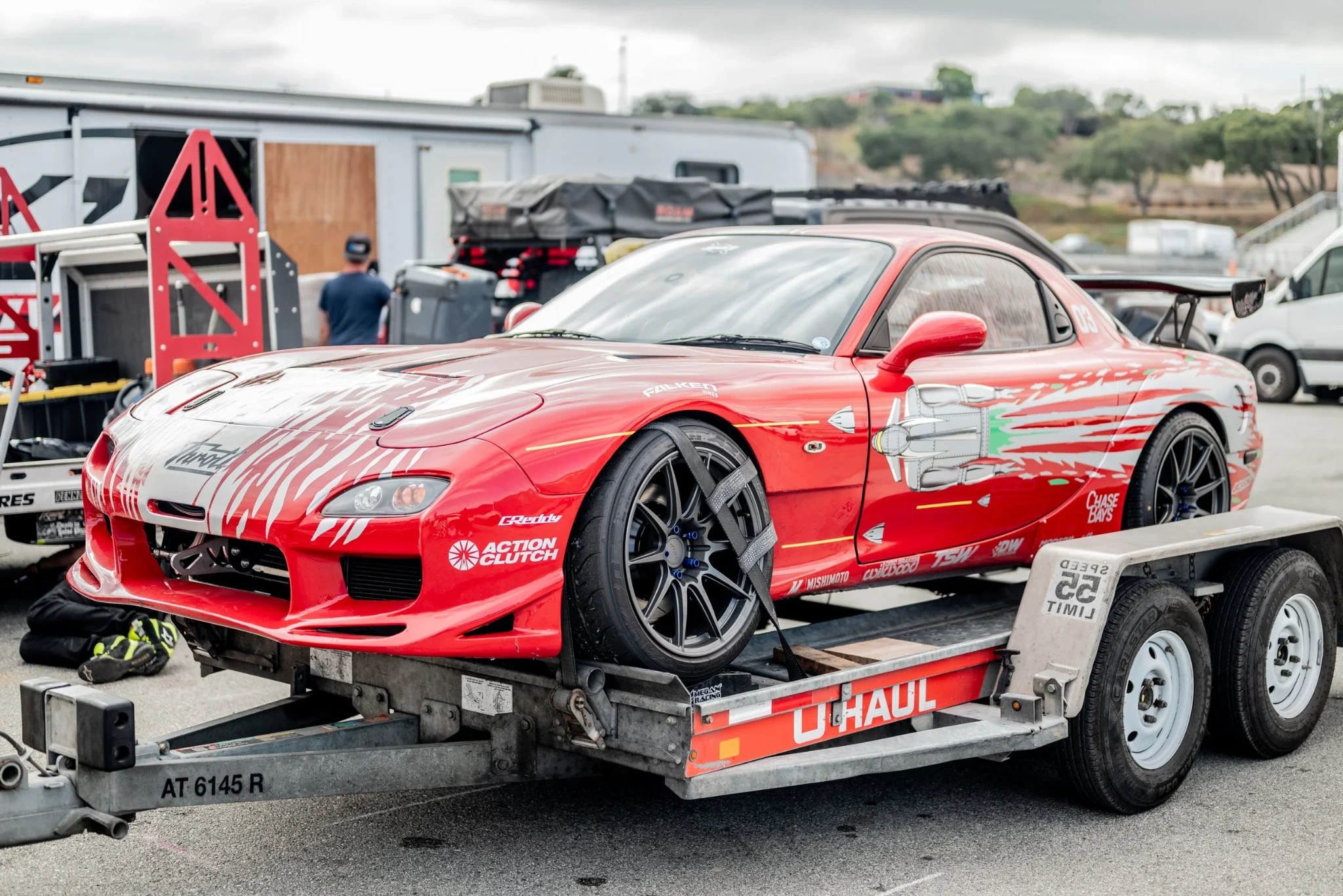
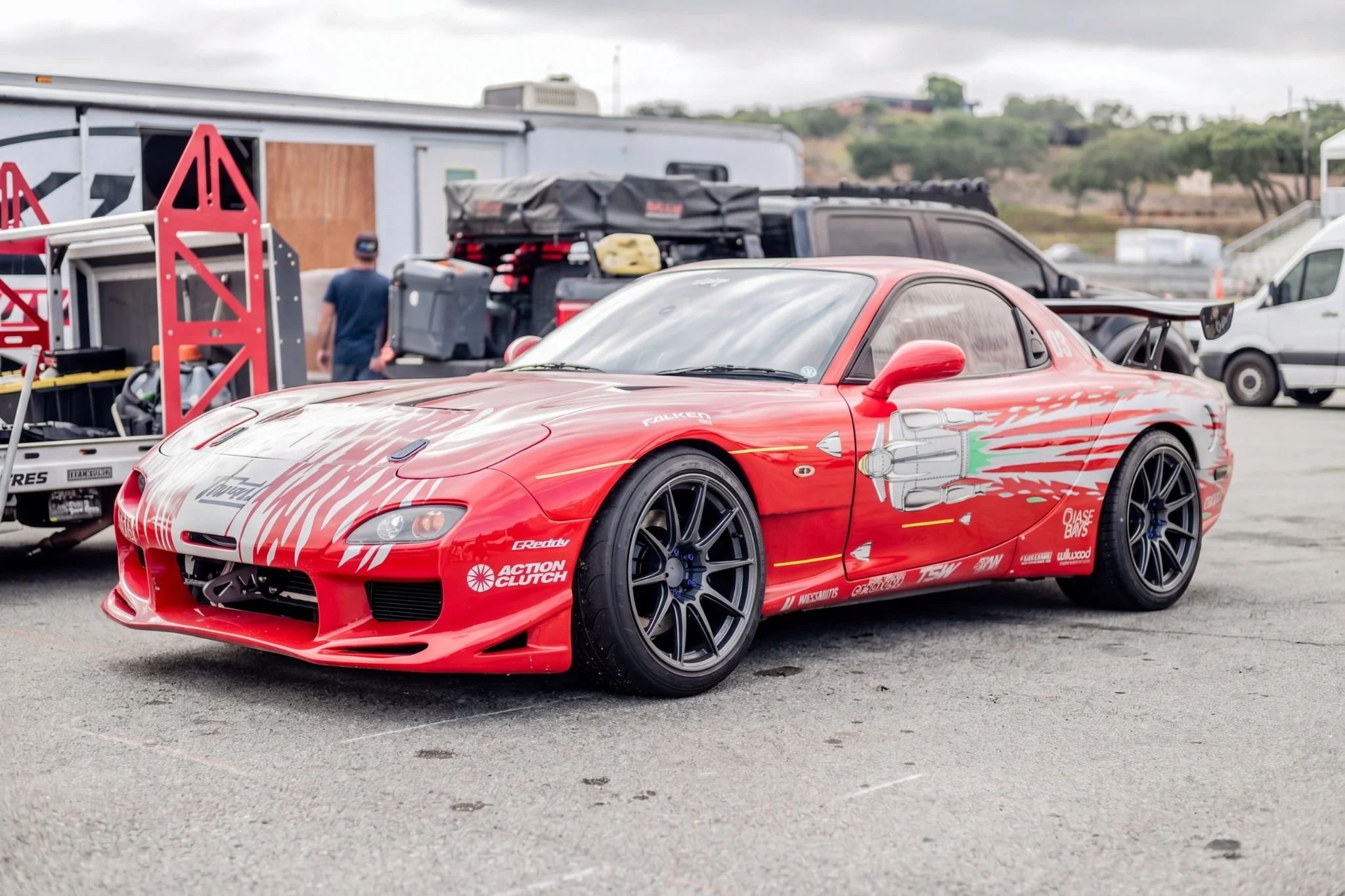
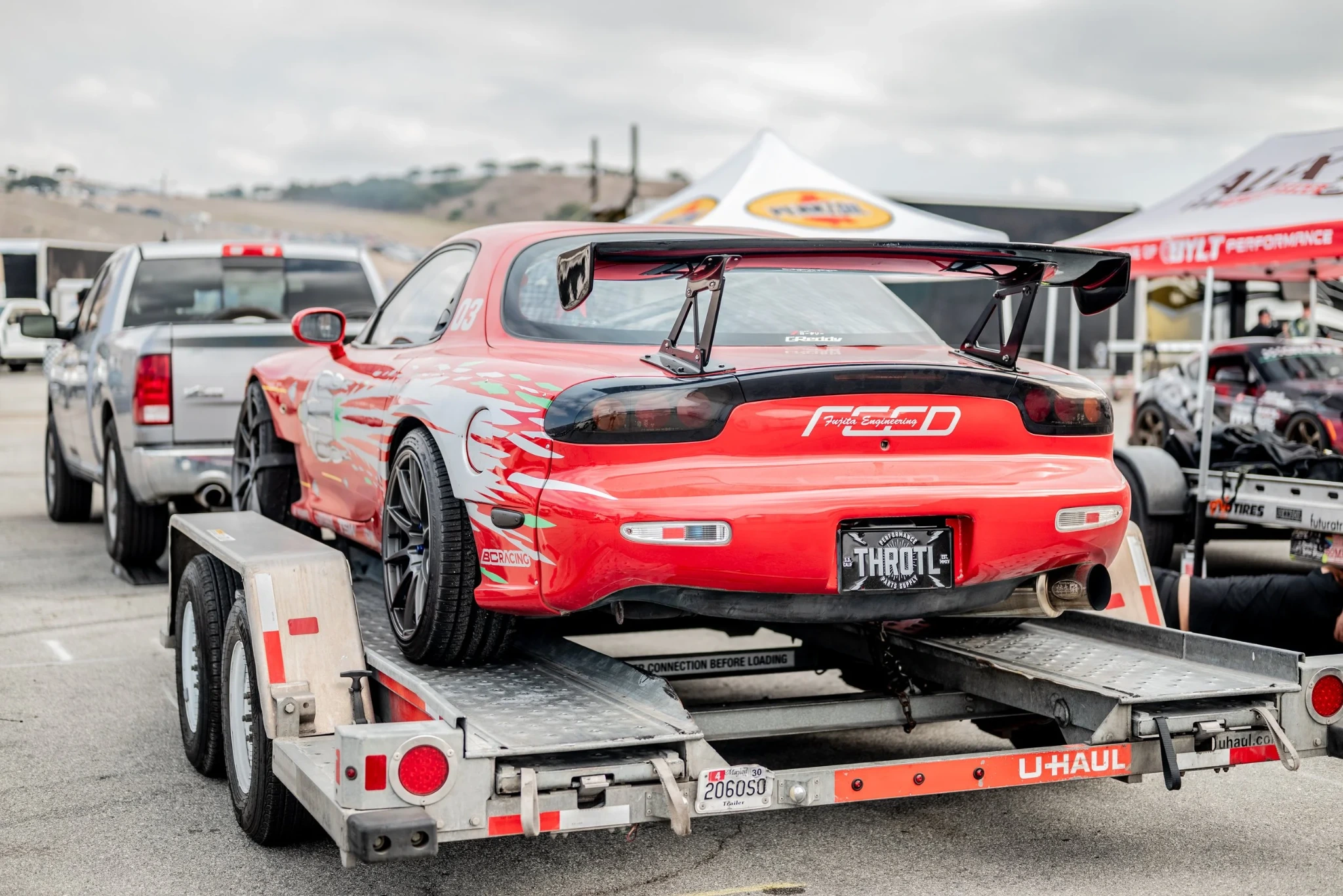
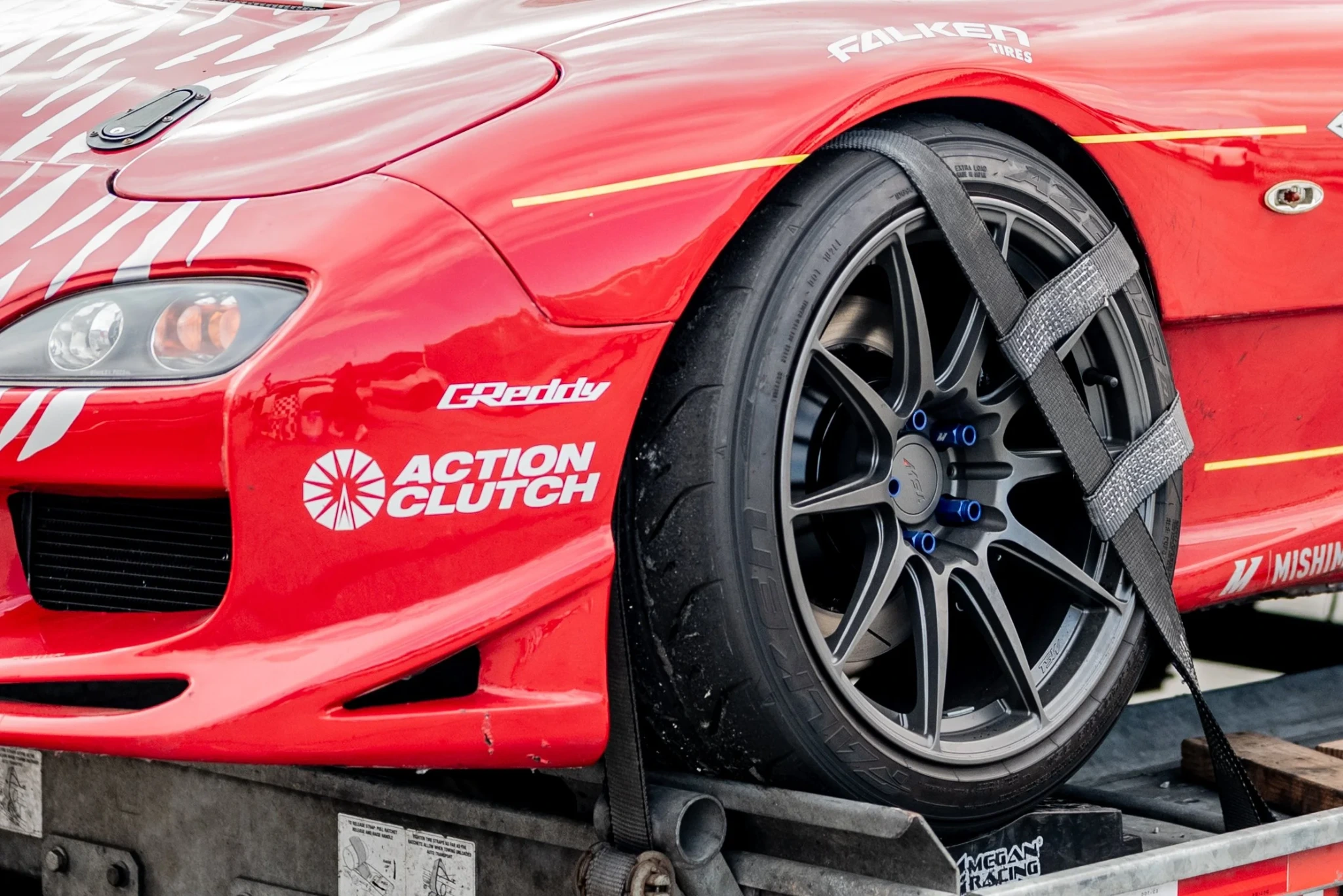
Three photos, two logosI photographed the car from three angles.

Those three stills and two logos were all I had to work with. I had no recorded footage.

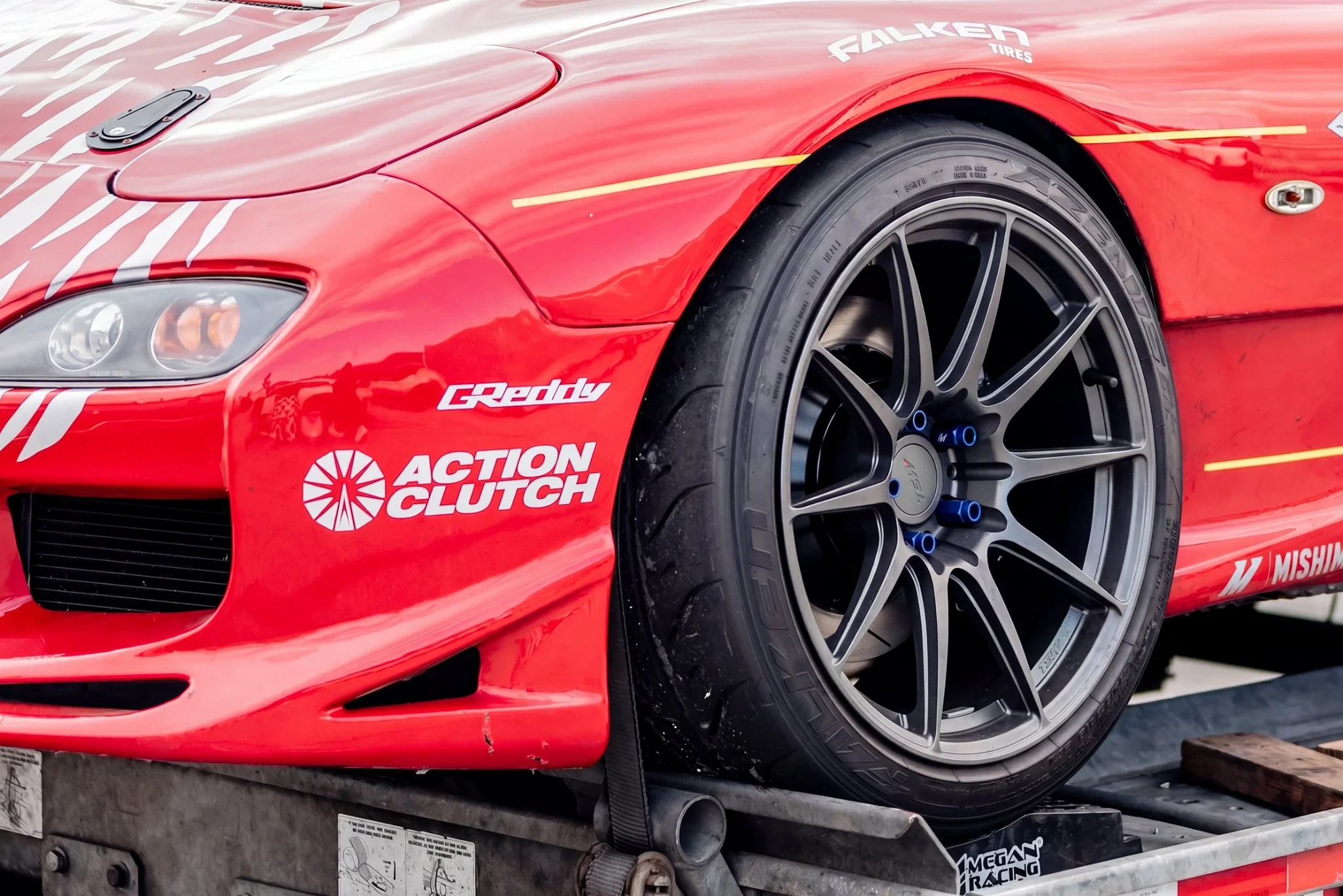
Getting it off the trailerBy the time I took the photos, the car was already loaded up.

The trick was removing the trailer and the wheel straps so the car could stand on its own in the shot.

Putting the edit togetherI brought the shots into Final Cut Pro.

I love video editing, and this short gave me a chance to do a little compositing too. That was one of my favorite parts.

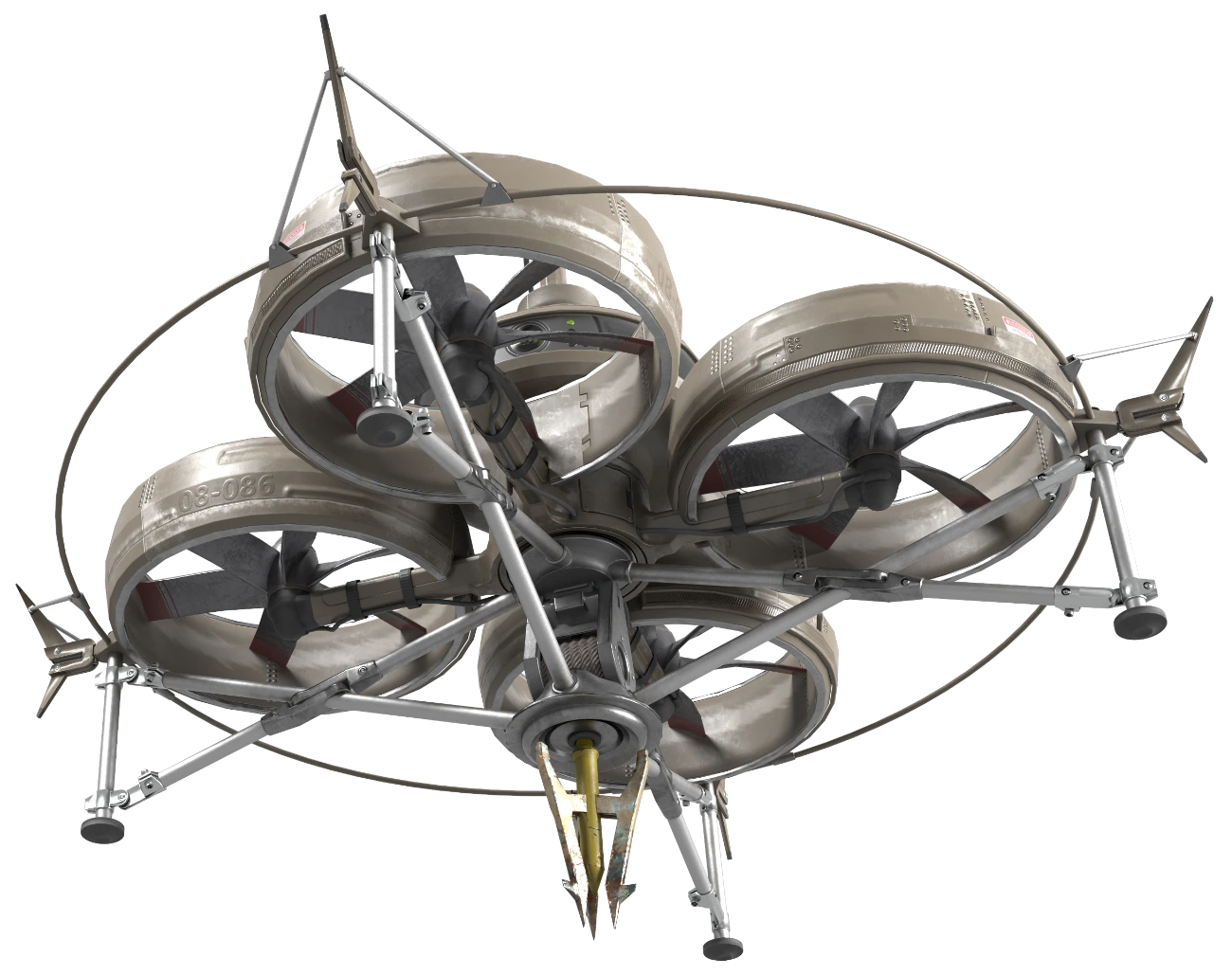
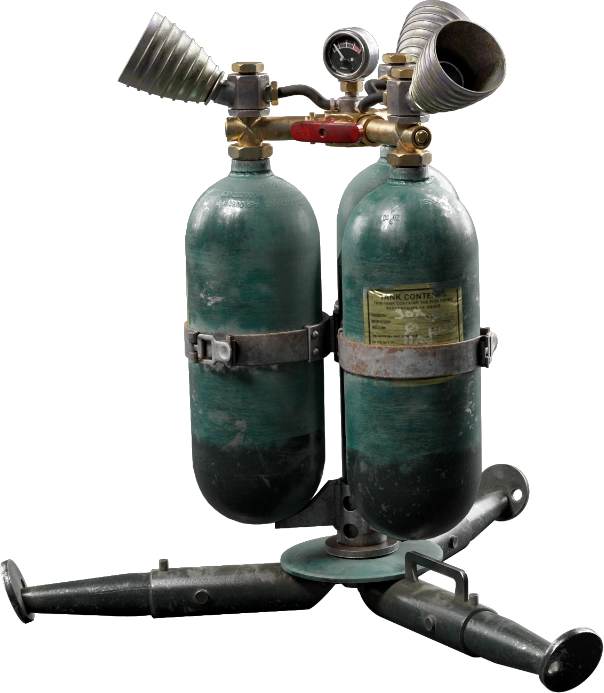
Call of Duty: Warzone

Props

Environments

Research Vessel

I built and set dressed the exterior, including the underside players can traverse on foot or by boat.

I collaborated with another environment artist who built the interior and helipad structure.

The bow was the hardest part to build. I reused textures across the hull and hid UV seams along panel lines.